code · · 7 min read
by Colin Domoney
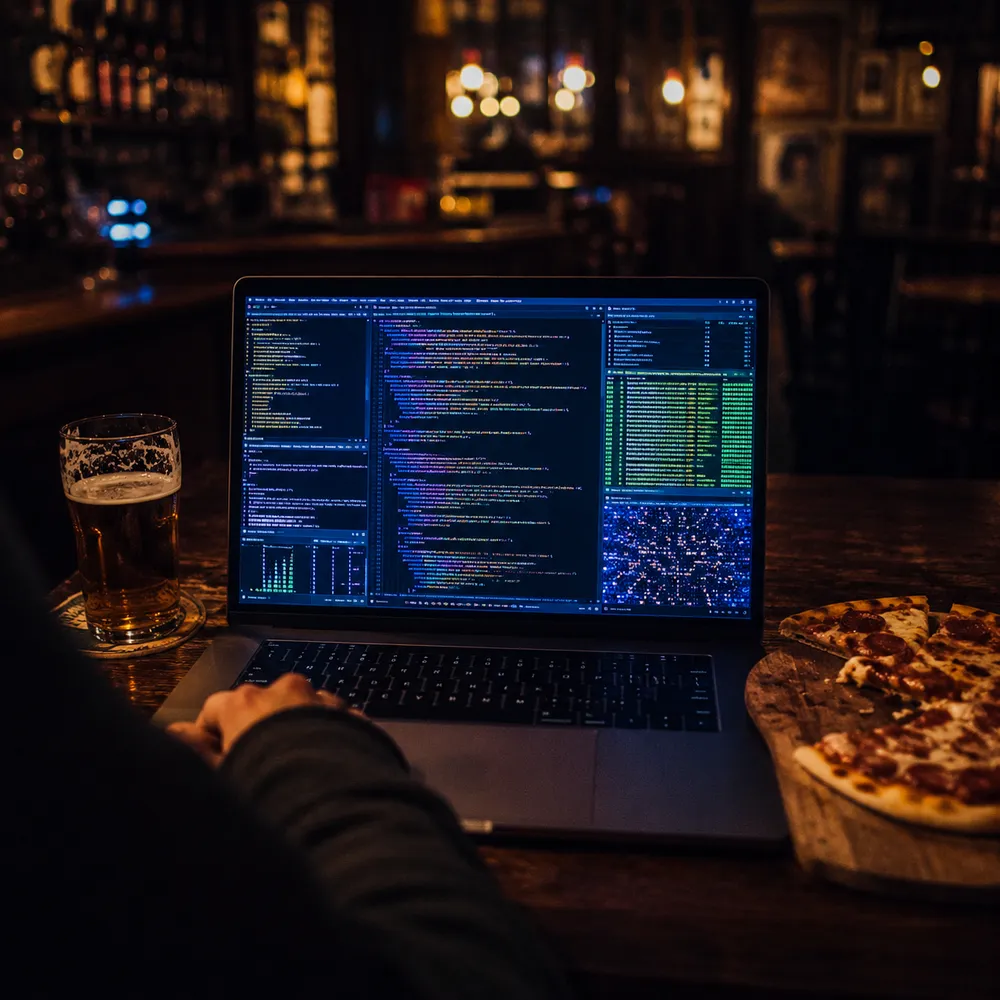
I went out for a pizza the other night. Laptop out on the pub table, half working, half eating, as is the custom. After a while I became aware of a bloke behind me doing some fairly committed shoulder-surfing, and eventually he cracked. “Jesus, man,” he said, in a heavy South African accent that I recognised immediately as the sound of home, “I’ve never seen anybody use a computer like that.”
He’s right. When this machine gets going it is quite a thing to watch, because I have cooked it to within an inch of its life. Nothing on it is stock. Every repeated annoyance has been hunted down and killed, usually years ago, and what’s left is a machine that mostly gets out of the way.
So this is the tour. Not because my setup is the correct one, but because half of these tools deserve to be better known, and because the other half took me long enough to find that someone may as well benefit from the archaeology.
The first confession: I keep a checklist for rebuilding this machine from scratch. Karabiner, kitty, BetterTouchTool, Homebrew, Raycast, chezmoi, Espanso, Tailscale, SwitchResX, and a line that just says “CLI tools” and gestures at a dozen things. A machine you can’t rebuild is a machine you’re afraid of, and I’ve spent thirty years in security engineering learning what fear of your own infrastructure does to people.
The keystone is chezmoi, which manages my dotfiles across every machine I own. My shell config, my editor config, my terminal sessions: all of it lives in a git repo and applies itself to a fresh machine in minutes. The checklist covers what chezmoi can’t, which is mostly the GUI layer. Between the two, a new Mac goes from box-fresh to fully mine in an afternoon.
The Linux boxes get the same treatment via a bootstrap script. One run on a fresh Ubuntu install: it swaps the shell to zsh, pulls the apt essentials, installs the Rust toolchain and builds git-delta and yazi from cargo, wires up fzf and atuin (more on that below), generates an SSH key and walks me through adding it to GitHub, then hands over to chezmoi to lay the dotfiles down. Twenty minutes later a bare server feels like home, right down to the shell history, which atuin has already synced from every other machine. The script ends with a large celebratory ASCII banner, because if you can’t have a little ceremony in your own tooling, where can you.
Homebrew needs no introduction; it’s the package manager Apple never shipped and everything else installs through it.
Raycast replaced Spotlight and then quietly replaced about four other apps. Launcher, clipboard history, window management, quick calculations. It’s the thing my hands go to before my brain has finished forming the intent.
Karabiner-Elements does keyboard remapping at a level macOS doesn’t officially admit is possible, and it’s home to the single highest-value remap on the machine: the Hyper key. Caps Lock, a key whose only native function is enabling accidental shouting, becomes Cmd+Ctrl+Opt+Shift pressed all at once. No application on earth uses that combination, which means every Hyper shortcut is guaranteed conflict-free: an entire clean layer of shortcuts for launching apps, snapping windows, and driving the tools below, all sitting under your strongest finger. It is the remap I miss most violently on anyone else’s machine. BetterTouchTool is its GUI-side sibling: custom gestures, custom shortcuts, window snapping, all the input plumbing that turns “reach for the mouse” into a flick, and a natural place to hang all those Hyper combinations.
Espanso does for text what Karabiner does for keys. It’s a text expander written in Rust: type :sig and my signature appears, :ts and I get a timestamp. Because the whole thing is YAML files in a directory, it lives in the chezmoi repo alongside everything else, so every machine I own knows the same shortcuts and adding a new one is three lines in a file rather than a trip through a preferences pane. It also ships a search bar, which I’ve hung off the Hyper key: one chord, fuzzy-find any snippet I’ve ever written, and it lands wherever the cursor happens to be. Boilerplate emails, curl invocations I can never remember, the same six paragraphs of threat modelling caveats. Anything I’ve typed twice is now two keystrokes.
SwitchResX is the obscure one, and the one I’d defend hardest. macOS is confidently wrong about what resolutions your displays support, and SwitchResX lets you overrule it: custom resolutions, refresh rates, per-display modes. If you run external monitors that Apple didn’t personally bless, you want it.
And Tailscale, which gets a longer mention below, because it changed how I think about having more than one computer.
The terminal is kitty. Fast, GPU-rendered, scriptable, and with two features I now refuse to live without. The first is sessions: I keep named session files for each project, and a fuzzy picker that launches any of them into a fresh kitty instance. The second is the ssh kitten, which ships your shell integration and terminfo to the remote machine so that remote boxes stop mangling your keys. My zshrc wraps it so interactive ssh gets the kitten and scripts fall through to plain ssh, because tools piping through ssh do not appreciate cleverness.
The shell is zsh, assembled with zinit rather than a framework. Powerlevel10k for the prompt, autosuggestions, syntax highlighting, and fzf-tab so that every tab completion becomes a fuzzy search instead of a guessing game.
Then the modern CLI replacements, which I’d recommend to anyone before anything else in this post: zoxide instead of cd (it learns where you go and takes you there from anywhere), fzf for fuzzy-finding everything, ripgrep instead of grep, fd instead of find, bat instead of cat, and atuin for shell history that syncs across machines and is searchable like a database. Twenty-five years of muscle memory says grep; the alias quietly does the right thing instead.
On top of those sit my own small functions, which is where a setup stops being a list of installed tools and starts being yours. fssh fuzzy-picks a host from my ssh config with a live preview of its connection details. ftssh does the same for my Tailscale machines, previews their live tailnet status, and connects over mosh so the session survives my laptop lid closing. gitscan-cd finds every git repo under a directory with uncommitted changes and drops me into whichever one I pick, which is how I discover what Friday-me abandoned. None of these took more than twenty minutes to write. All of them run daily.
Tailscale deserves its sentence here too: every machine I own is on one flat private network, wherever it physically is. The pub laptop talking to the home lab through two NATs and a mobile hotspot, without a single port forwarded. For someone who spent years of his life building secure communications hardware, the fact that this now works out of the box is faintly miraculous.
Now the embarrassing section. My zshrc contains aliases for Claude Code, Codex, and opencode. Further down there are installer blocks for Grok’s CLI and Kimi Code. There is Ollama, with a one-letter function that pipes a question to a local model. There is LM Studio on the PATH. There is an NVIDIA AI Workbench integration I have used, I believe, once.
I would like to claim this is a rigorous multi-vendor evaluation strategy. It is not. It is hoarding. Somewhere along the way I became the person who collects coding agents the way other men my age collect guitars they don’t play: each one acquired with total conviction, each one justified at the time, most of them now gathering dust on a shelf while I reach for the same one I always reach for. That one is Claude Code, which does the heavy lifting on everything from firmware to this website. The local models earn their keep for quick offline questions. The rest are guitars.
I keep them installed anyway. Partly because this field moves fast enough that last month’s shelf ornament is occasionally this month’s daily driver, and partly because uninstalling things is an admission I’m not ready to make.
Three AI tools have earned their way off the shelf, though. The first is cmux, a native Mac terminal built on Ghostty’s rendering engine and designed specifically for running coding agents in parallel. When you have several Claude Code sessions going across different projects, cmux gives each one a workspace in a vertical sidebar showing the git branch, working directory, and a notification ring that lights up when an agent needs you. It answers the question that plain terminals cannot: which of my five agents is actually waiting on me? Free, open source, and the first terminal in years to make me consider divided loyalties with kitty.
The second is Cotypist, which puts AI autocomplete into every text field on the Mac. Mail, Slack, browsers, even the prompt boxes of the other AI tools, which has a pleasing circularity to it. You type, ghost text appears, Tab accepts it a word at a time. Crucially it runs entirely on-device: no cloud, no API calls, no half-formed thoughts sitting in someone else’s logs. Given what I do for a living, that was the difference between installing it and not.
The third attacks the same problem from the other end. Wispr Flow is voice dictation that works in every app, and it does not produce the word soup you remember from dictation software of old: it strips the filler, handles mid-sentence corrections, and formats as it goes. I talk considerably faster than I type, and a surprising amount of my working day (briefing coding agents, drafting posts like this one, answering email) is now me muttering at the laptop. Cotypist finishes the sentences I type; Wispr Flow means I often don’t type them at all.
And because everything above involves shovelling text into language models, there’s a guard on the shovel. scrub is a small Rust tool I wrote that redacts secrets from text before it goes anywhere: AWS keys, JWTs, PEM blocks, the API key formats of every major vendor, plus anything sufficiently high-entropy to look like a credential. Replacements are length-matched so diffs and formatting survive, and a --check mode slots into pre-commit hooks and CI. The bit I’m most pleased with is the Raycast extension: Hyper-P pastes a sanitised copy of the clipboard, which means the pasted-a-prod-key-into-a-chatbot failure mode is now one chord harder to achieve than the safe path. That is roughly the whole of security engineering in one keybinding.
None of this is about the tools, really. Any individual item on this list is replaceable, and in ten years most of them will have been replaced. The habit underneath is the thing: when something annoys you twice, fix it permanently. Write the twenty-minute function. Alias the command. Remap the key. Put it in the dotfiles repo so the fix follows you to the next machine and the one after that.
Do that for thirty years and you end up with a machine that responds faster than you can consciously think, which, I now realise, is exactly what the bloke in the pub was watching. Not talent. Sediment. Thousands of small refusals to tolerate friction, compressed into muscle memory.
He asked what half the stuff on my screen even was. I told him it was a long story. This is it.